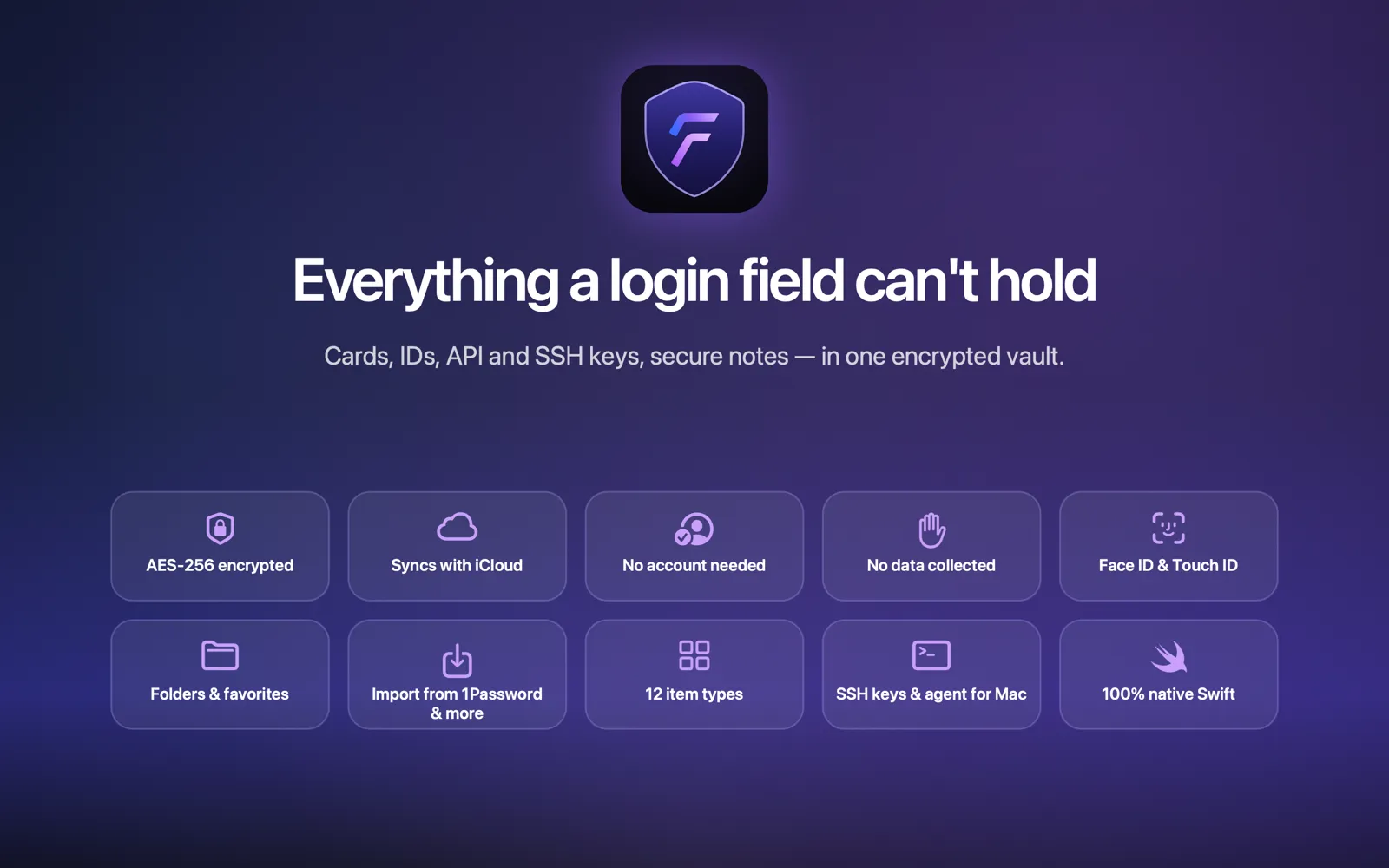
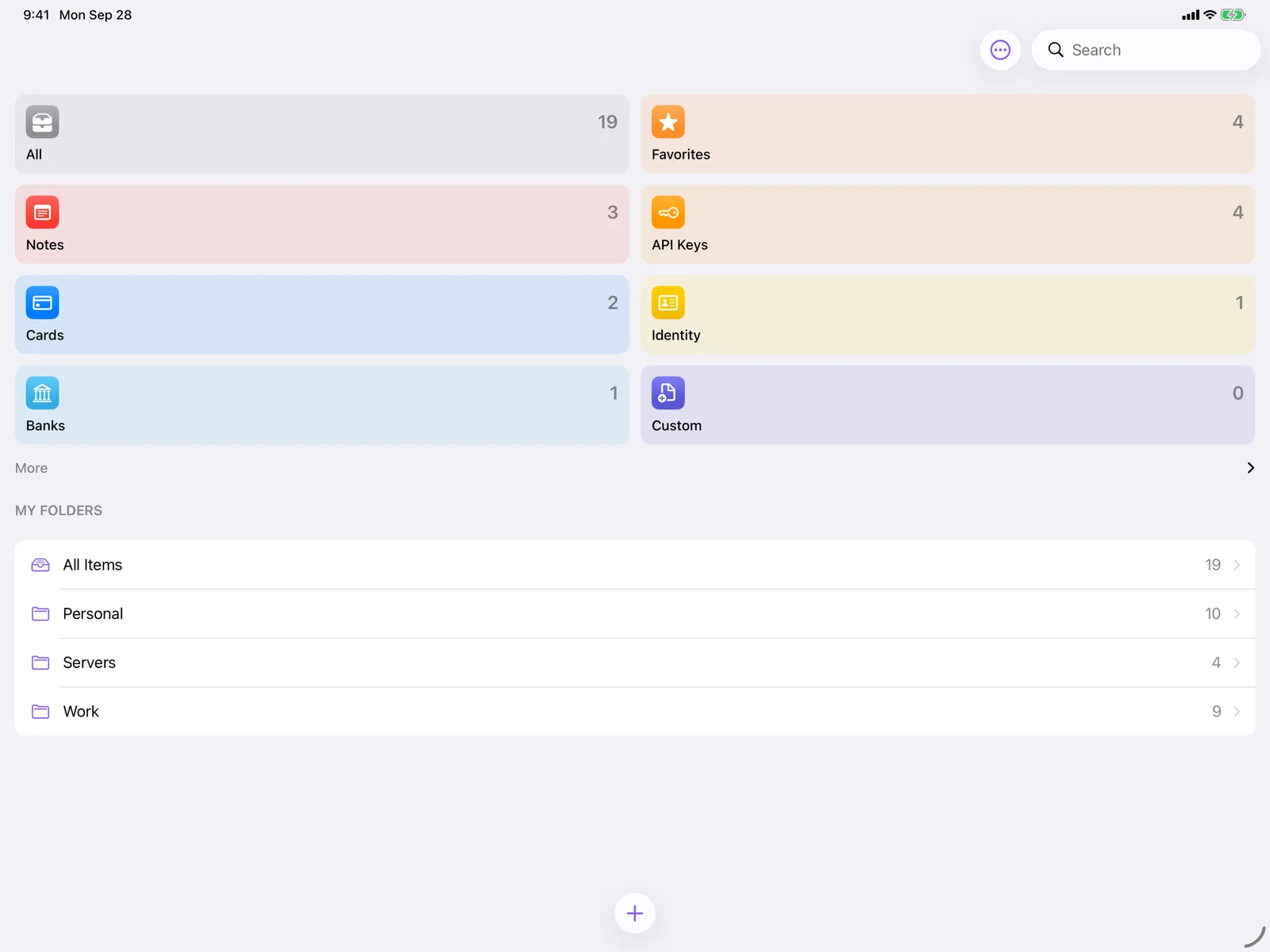
Fydra is now available on the App Store for iPhone, iPad, Mac, and Apple Watch. It is a native, encrypted vault for everything Apple Passwords was never built to hold: secure notes, API keys, SSH keys, payment cards, passports, and more.
Download Fydra on the App Store. It’s free for your first 10 items.
Why Fydra exists
Apple Passwords is excellent at what it does. Logins, passkeys, and verification codes belong there, and Fydra doesn’t try to replace it.
But a lot of sensitive information isn’t a login. Where do you keep the SSH key for your servers, the API token for a side project, or the passport scan you need once a year? Usually in a notes app, a loose file, or an email to yourself. None of those are a good place for secrets.
Fydra fills that gap, with the same native, minimal feel you expect from Apple. It completes Apple Passwords rather than competing with it.
What you can store
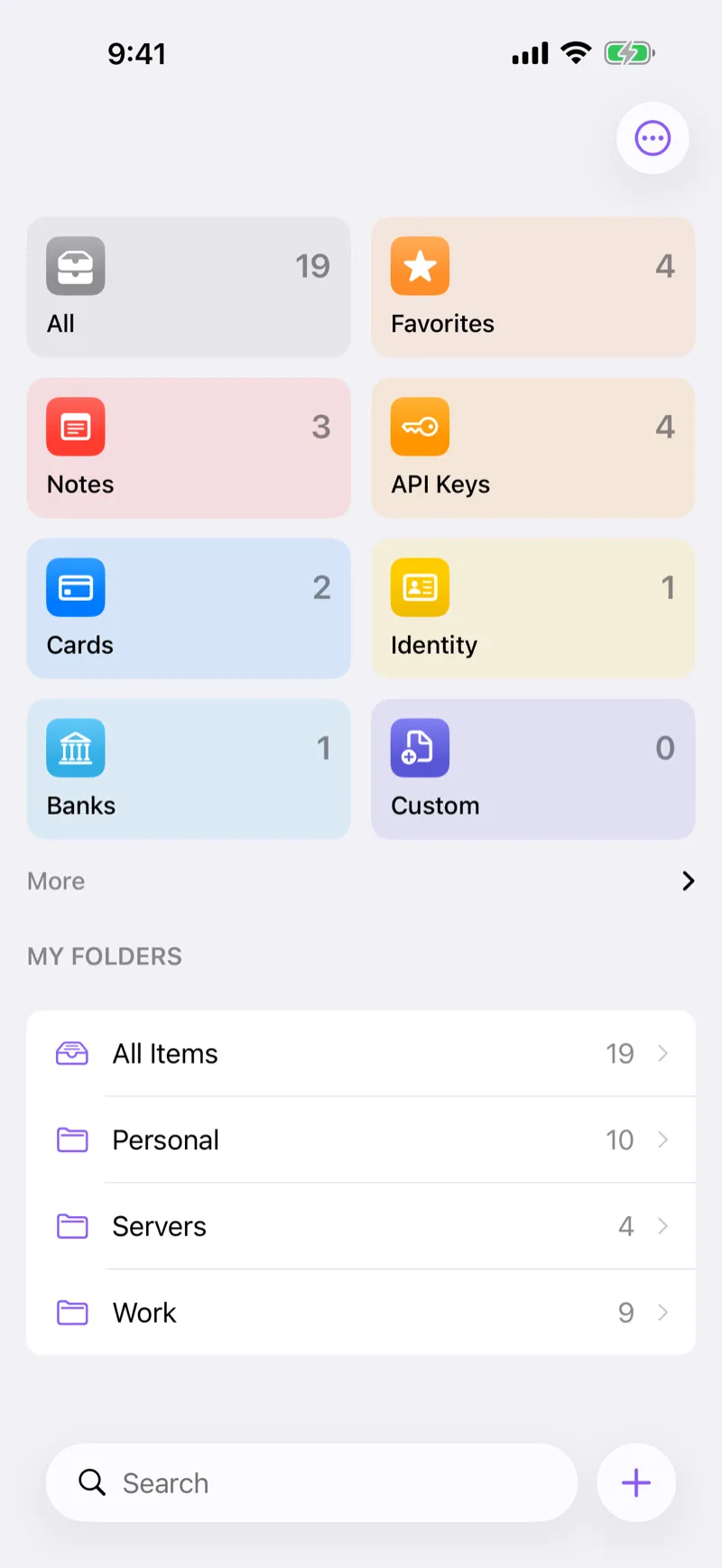
Fydra has dedicated item types, each with the fields that make sense for it:
- Secure Notes for anything free-form
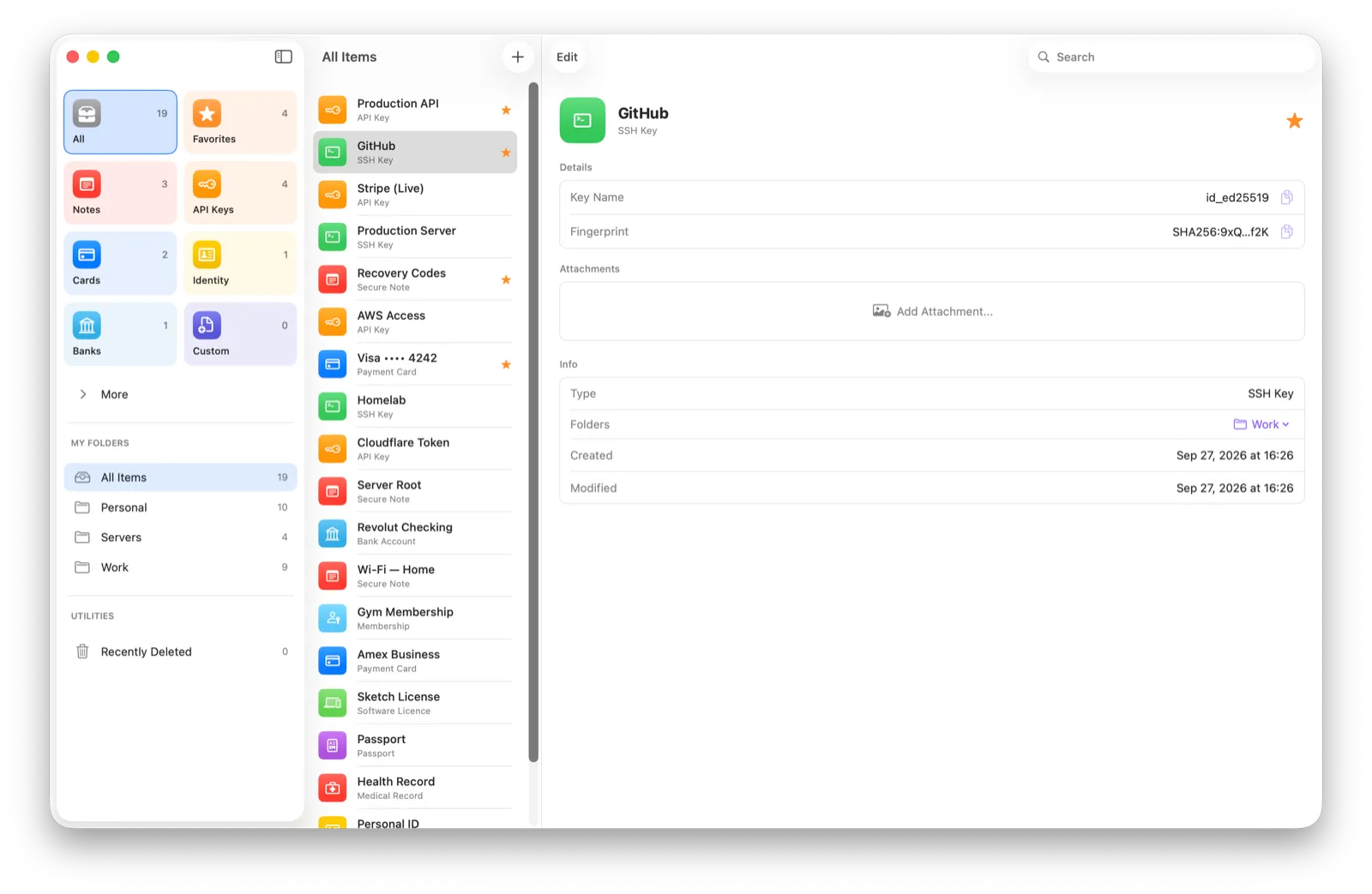
- API Keys and SSH Keys for developers
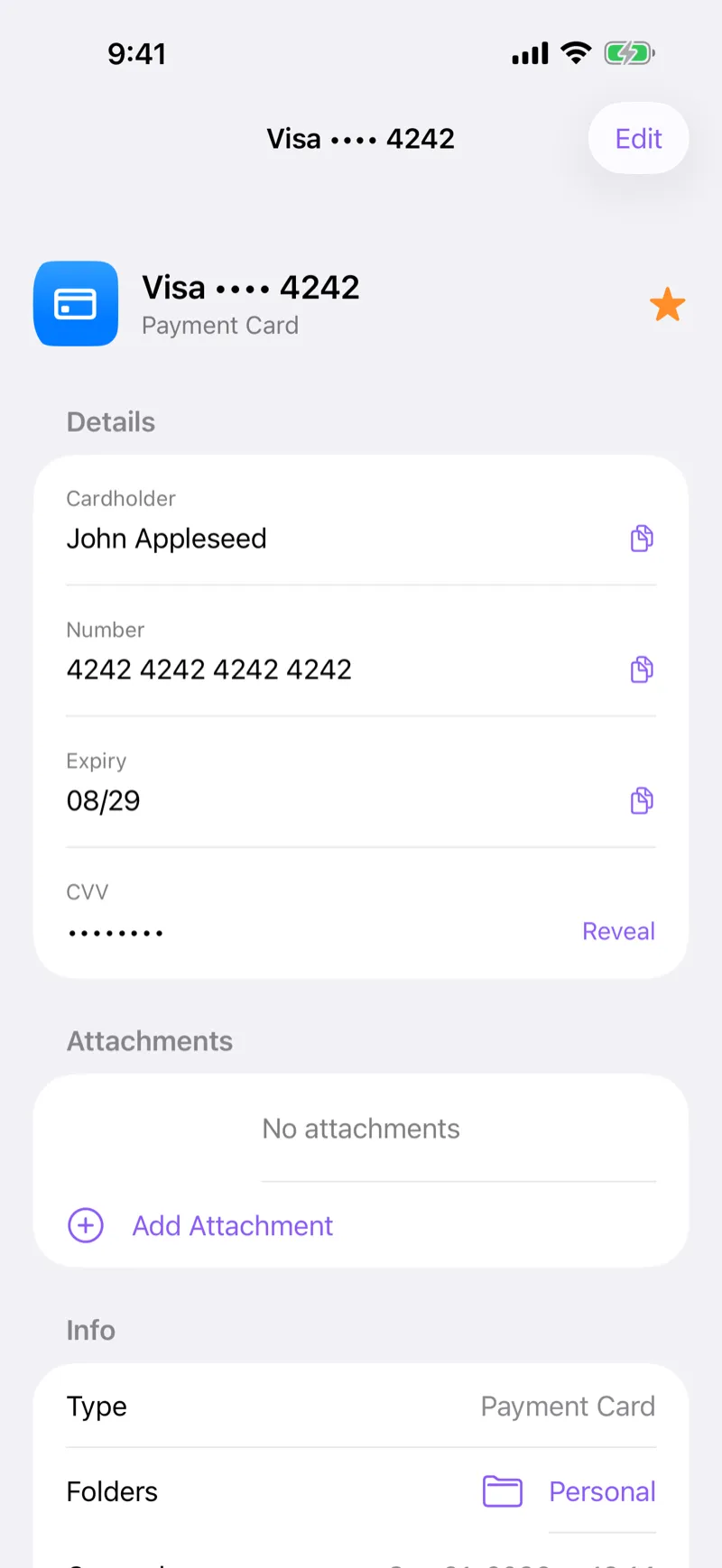
- Payment Cards and Bank Accounts
- Passports, Driver’s Licenses, and Identities
- Software Licenses and Memberships
- Medical Records
- Custom Items for everything else
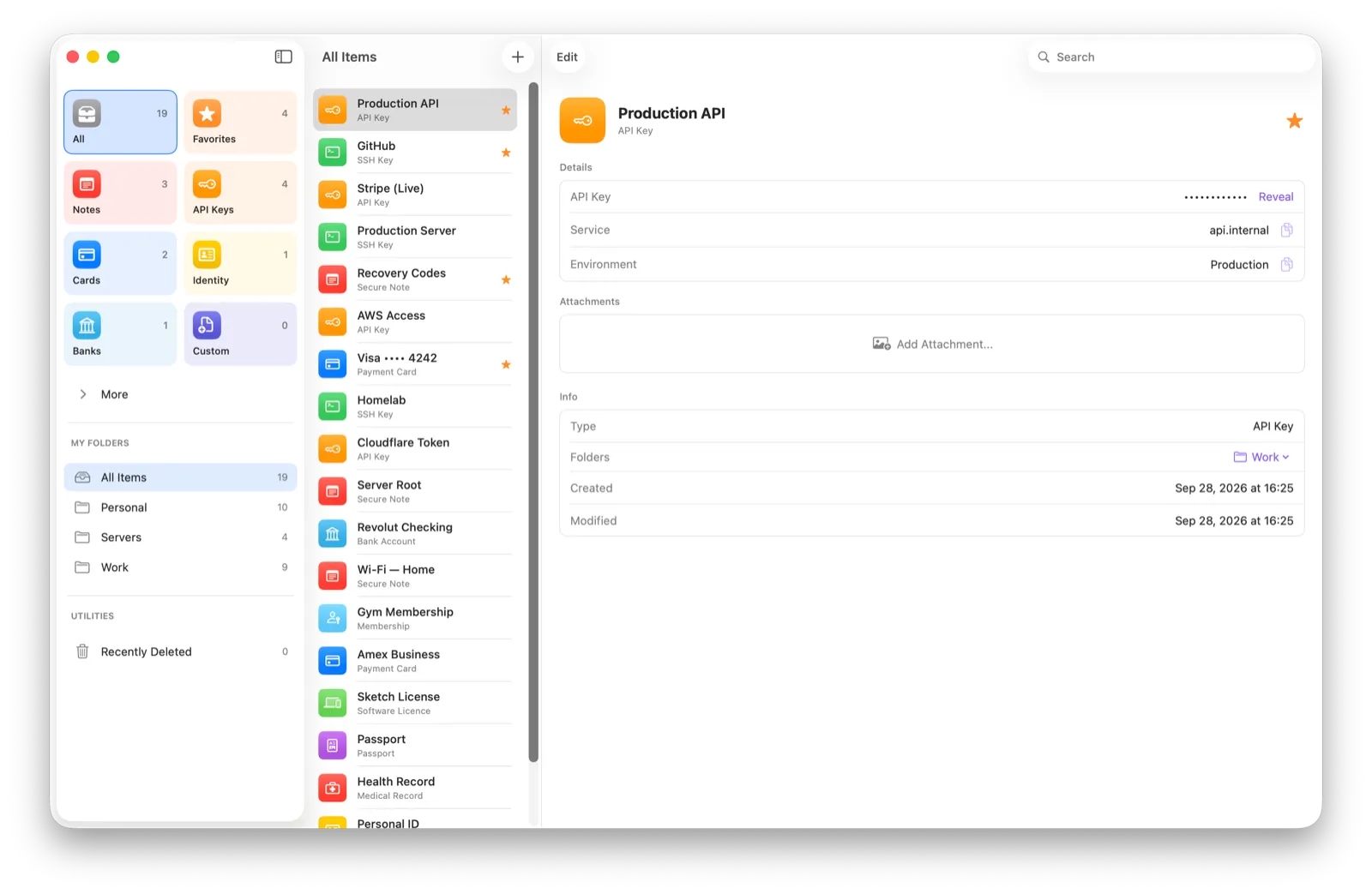
Items can include attachments, so the scan of a document can live next to its details. Organize everything into your own folders, mark favorites, and if you’re coming from another app, import from 1Password and more.
Private by design
Fydra is built so that your data belongs to you and no one else, including us.
- Encrypted on your device. Every item is encrypted with AES-256-GCM before it is written to storage. The key is held in your Apple Keychain.
- Unlocked with Face ID or Touch ID. There is no master password to remember.
- Synced through your own iCloud. Your encrypted vault syncs across your devices with CloudKit, in your personal iCloud account. Fydra is compatible with Advanced Data Protection.
- No servers, no tracking. Fydra runs no servers of its own and contains no analytics, advertising, or third-party SDKs.
You can read the details in our privacy policy.
Native on every Apple device
Fydra is written in SwiftUI for iOS, iPadOS, macOS, and watchOS. No web wrappers: each app follows the conventions of its platform, and your vault stays in sync between them.
An SSH agent with Touch ID, for developers
On the Mac, Fydra includes an SSH agent. When Git or SSH needs to sign something, the agent asks for Touch ID and hands back only the signature. SSH clients never receive your private keys, and the keys are never written to disk unencrypted.
- Approve once per app until your Mac locks, or choose to approve every signature.
- Keys with a passphrase can be made ready to use with a single Terminal command.
- The agent starts at login with no scripts to maintain.
The agent is a separate, free, Apple-notarized download, and it works with Fydra Pro. The SSH agent guide covers setup in a few steps.
Pricing
Fydra is free for up to 10 items, with full encryption, biometric unlock, iCloud sync, and attachments included. Fydra Pro unlocks unlimited items and the SSH agent:
- Monthly: €2.99 per month
- Yearly: €19.99 per year
- Lifetime: €59.99, paid once, with all future updates
It’s a universal purchase, so one purchase covers iPhone, iPad, Mac, and Apple Watch. Prices may vary by region.
Get started
Download Fydra on the App Store, add your first items, and keep Apple Passwords for what it does best. If you have questions, the support page answers the common ones, and you can always email us at support@fydra.app.